
Print a QR code for a checklist
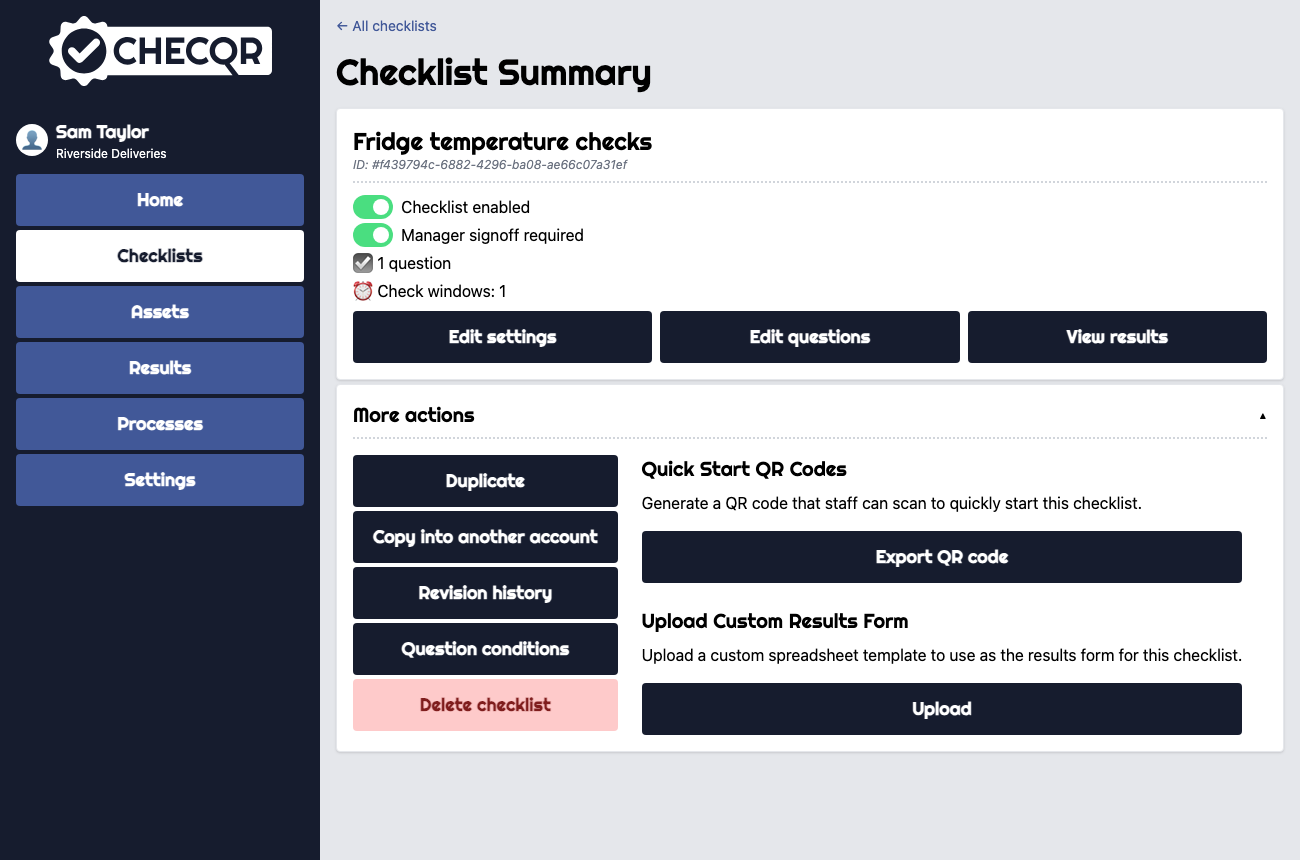
- Open the checklist's Checklist Summary page.
- Click More actions.
- Under Quick Start QR Codes, click Export QR code.
- Print the PDF that downloads and put it where the check is carried out, for example on a fridge door or by an entrance.
If the checklist is disabled, ChecQR asks you to Enable it first. If the checklist is linked to an asset type, the PDF contains a QR code for each asset of that type.