
Set up a monthly or occasional check with reminders
Use a Regular schedule checklist for checks that are due every few days, weeks or months, such as a monthly fire extinguisher inspection or a quarterly first aid kit check.
- Open the checklist and click Edit settings.
- Under Checklist frequency, choose Regular schedule.
- Under Reminders, set Checklist due every so many Days or Calendar months.
- Set Show reminder to the number of days before the due date that a reminder should be sent.
- Click Save.
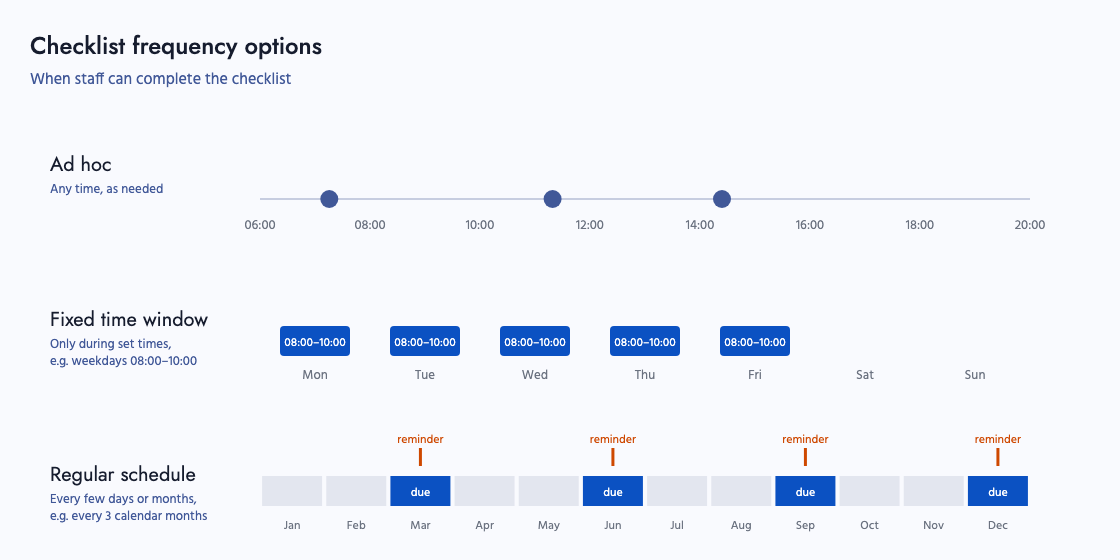
Reminders go to the people chosen for the Checklist Due Reminder notification under Settings → Notifications. If the checklist has already been completed in the period, no reminder is sent. See Creating checklists for how the due date is worked out.