
Make a checklist due at set times each day
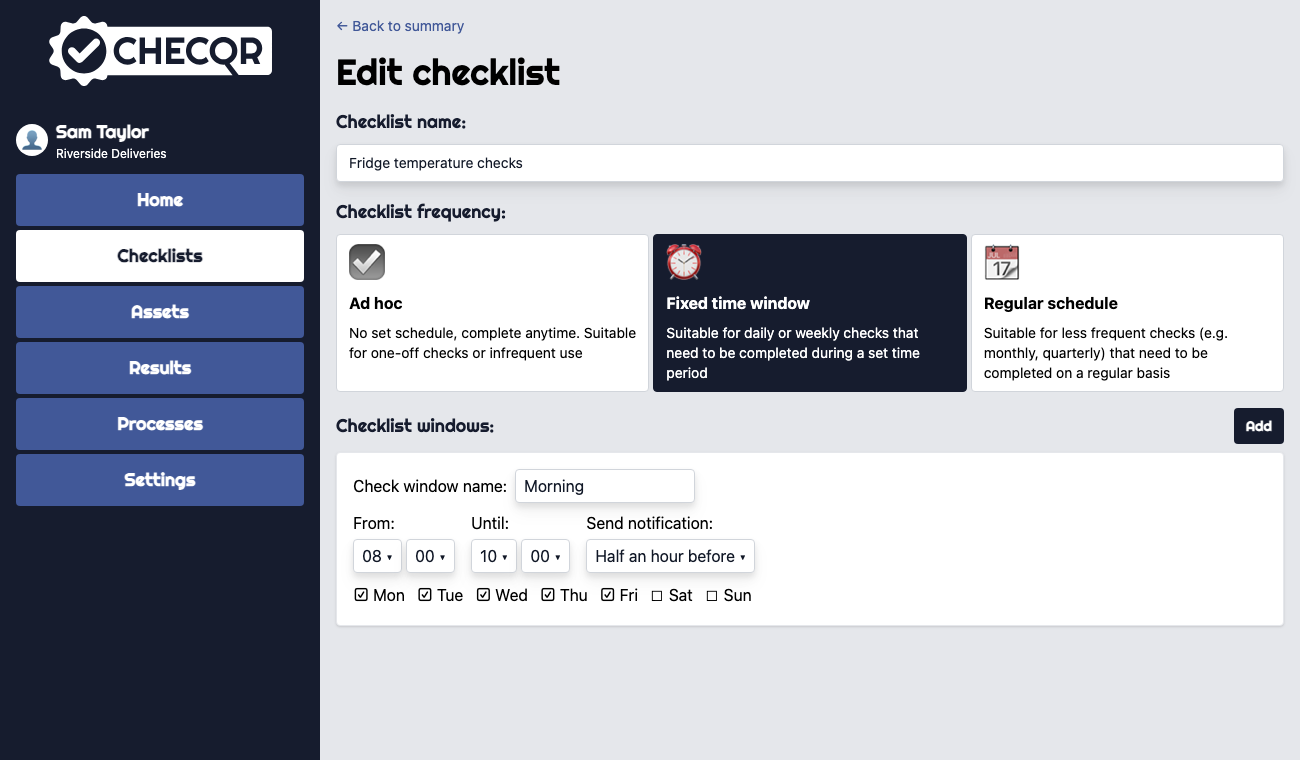
Use a Fixed time window checklist when checks must be done at particular times, for example fridge temperatures every morning, or opening and closing checks.
- Open the checklist and click Edit settings (or create a new checklist).
- Under Checklist frequency, choose Fixed time window.
- Under Checklist windows, click Add.
- Enter a Check window name, choose the days, and set the From and Until times.
- Choose when to Send notification if the checks are not complete.
- Add more windows if needed, for example Morning and Evening, then click Save.
Staff can only complete the checklist during one of its windows.