Create a checklist
- In the dashboard, click Checklists in the navigation bar.
- Click Add new checklist.
- Enter the Checklist name, choose the Checklist frequency, and fill in any other settings.
- Click Save. The Checklist Summary page opens.
- Click Edit questions, then Add question to add your first question.
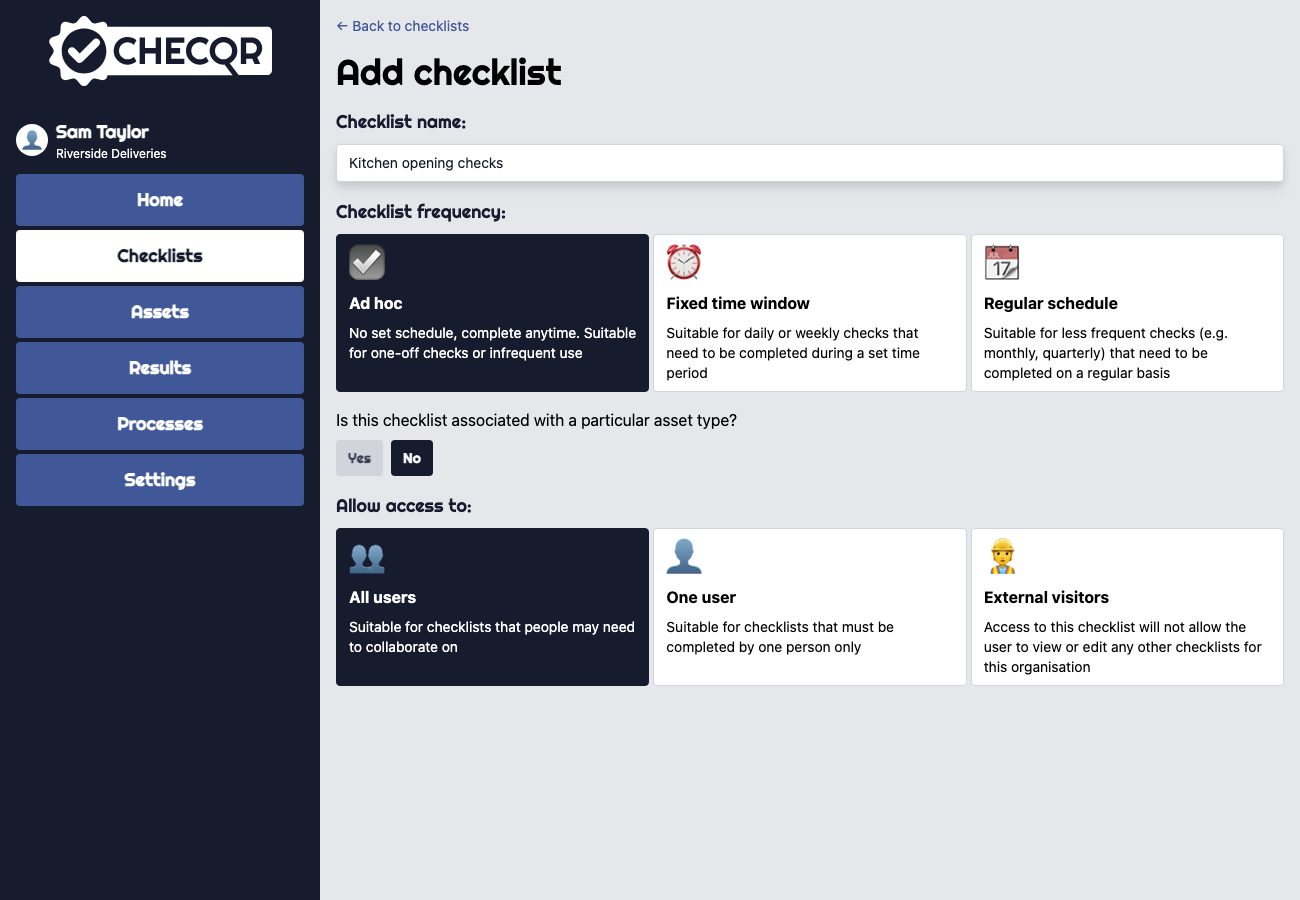
For what each setting does, see Creating checklists.